Utterwove
How to apply this guide
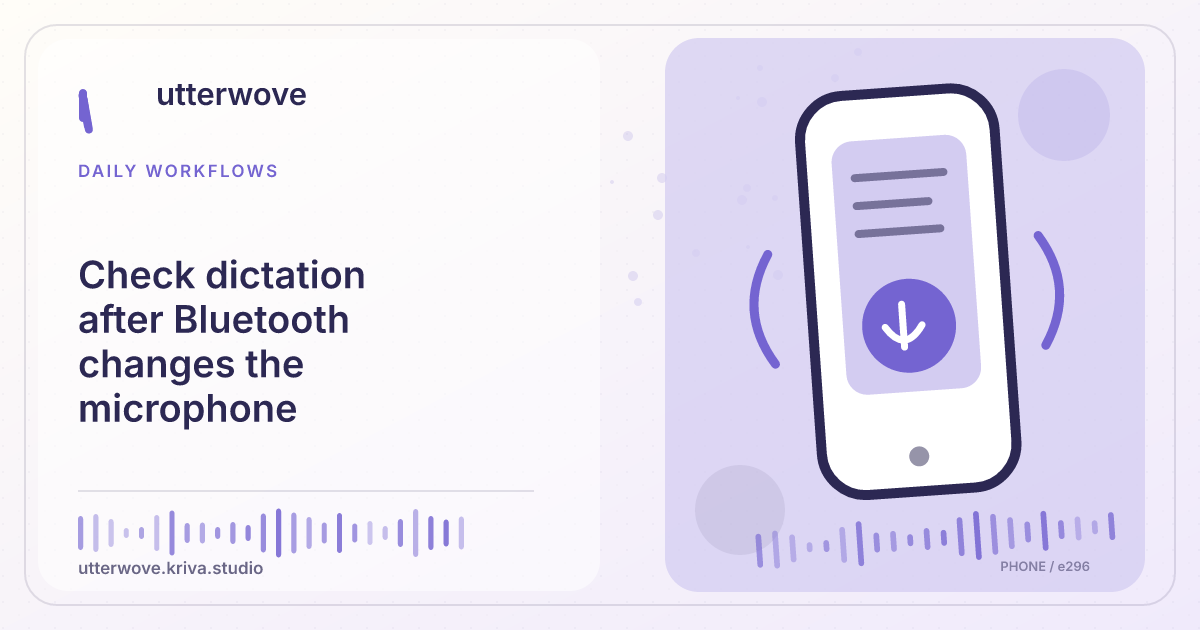
Confirm the active microphone before restarting a recording after connecting or disconnecting earbuds.
Start with
Stop the current test, reconnect the earbuds, and wait for the operating system to show the input. Choose the desired microphone again if it switched. Start a fresh recording.
Check before you finish
Note whether the problem appeared when connecting, reconnecting or removing the headset. Include the platform and app version. Avoid including a private transcript or full system report.
Evidence to keep: Keep the target field open and verify that the complete reviewed result reached the intended destination. This page’s key limit is: Confirm the active microphone before restarting a recording after connecting or disconnecting earbuds.
Start here
A recording can start on a different input when earbuds reconnect, even if the waveform moves. Verify the current route before retrying an important draft.
Reconnect before starting
Stop the current test, reconnect the earbuds, and wait for the operating system to show the input. Choose the desired microphone again if it switched. Start a fresh recording.
Test the beginning and end
Say “The first item is green. The last item is blue.” Check both clauses. If there is no useful output, try the built-in microphone before changing recognition language.
Report the route change
Note whether the problem appeared when connecting, reconnecting or removing the headset. Include the platform and app version. Avoid including a private transcript or full system report.