Utterwove
How to apply this guide
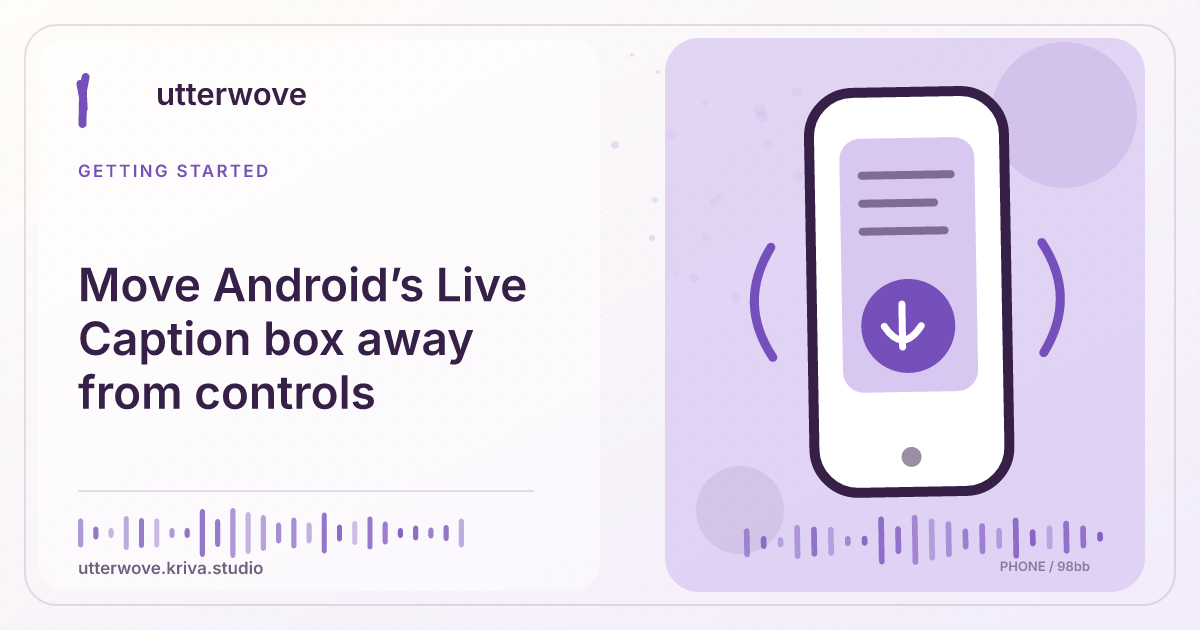
Reposition the caption box and test readability without obscuring media controls or video labels.
Start with
Touch and drag the caption box to a clear area of the screen. Avoid moving it off the bottom edge if you want to leave Live Caption running.
Check before you finish
Rotate the device or test full-screen playback if you often switch layouts. Keep the position that works for the content rather than assuming one placement fits every player.
Evidence to keep: Confirm the app edition, permission and destination together; an allowed permission alone does not prove that insertion will work. This page’s key limit is: Reposition the caption box and test readability without obscuring media controls or video labels.
Start here
The caption box can cover subtitles inside the video, a scrubber, or an on-screen name. Use a brief playback test to find a placement that keeps essential text and controls accessible.
Move the box while speech plays
Touch and drag the caption box to a clear area of the screen. Avoid moving it off the bottom edge if you want to leave Live Caption running.
Adjust how much text you see
Where available, expand or resize the box enough to finish a long sentence. Check whether it now covers a video label or a playback button you regularly use.
Try the other orientation
Rotate the device or test full-screen playback if you often switch layouts. Keep the position that works for the content rather than assuming one placement fits every player.