Utterwove
How to apply this guide
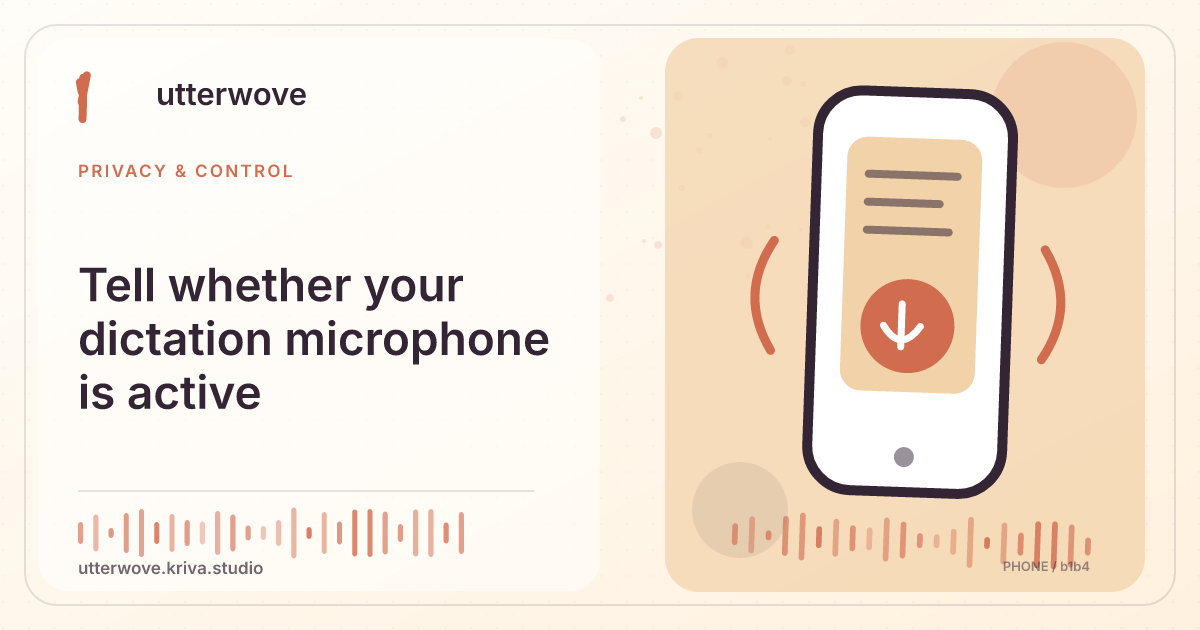
Watch the Utterwove recording strip or Capture state and the system microphone indicator. The meter is a signal check, not a transcript.
Start with
Try one sentence, then stop and confirm the UI leaves Listening. Review whether other apps also have a live microphone session.
Check before you finish
Test whether the indicator disappears on Finish and on Cancel. If another app is on a call, its indicator may remain active independently of Utterwove. Use your system’s microphone privacy view to tell which app used it and whether the current recording has ended.
Evidence to keep: Check which processing path is selected and whether it sends data off-device before using private material. This page’s key limit is: Watch the Utterwove recording strip or Capture state and the system microphone indicator. The meter is a signal check, not a transcript.
Check the setting
Try one sentence, then stop and confirm the UI leaves Listening. Review whether other apps also have a live microphone session.
Verify or remove
Check system privacy controls if the indicator continues. Close recordings you did not intend to keep active.
What to watch for
Test whether the indicator disappears on Finish and on Cancel. If another app is on a call, its indicator may remain active independently of Utterwove. Use your system’s microphone privacy view to tell which app used it and whether the current recording has ended.