Utterwove
How to apply this guide
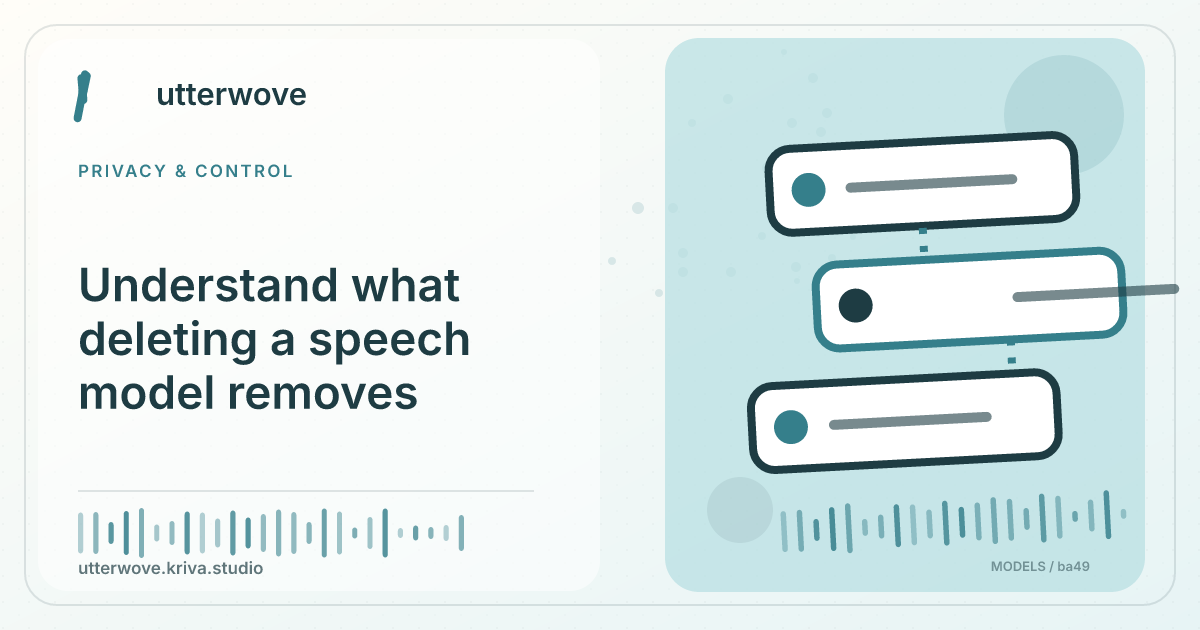
A speech model is a reusable processing file. A transcript or recording is user content and is managed separately.
Start with
Before deleting a model, open one known transcript and confirm your export or backup. Review the storage change after removal.
Check before you finish
If you are freeing space, note the size of the model and compare it with any retained audio in History. If you intend to delete recorded content, handle synced or exported copies separately. A model can often be downloaded again while deleted user content may be unique.
Evidence to keep: Check which processing path is selected and whether it sends data off-device before using private material. This page’s key limit is: A speech model is a reusable processing file. A transcript or recording is user content and is managed separately.
Check the setting
Before deleting a model, open one known transcript and confirm your export or backup. Review the storage change after removal.
Verify or remove
Re-download the model if needed for future dictation. Remove unwanted history using the app’s history controls.
What to watch for
If you are freeing space, note the size of the model and compare it with any retained audio in History. If you intend to delete recorded content, handle synced or exported copies separately. A model can often be downloaded again while deleted user content may be unique.