Utterwove
How to apply this guide
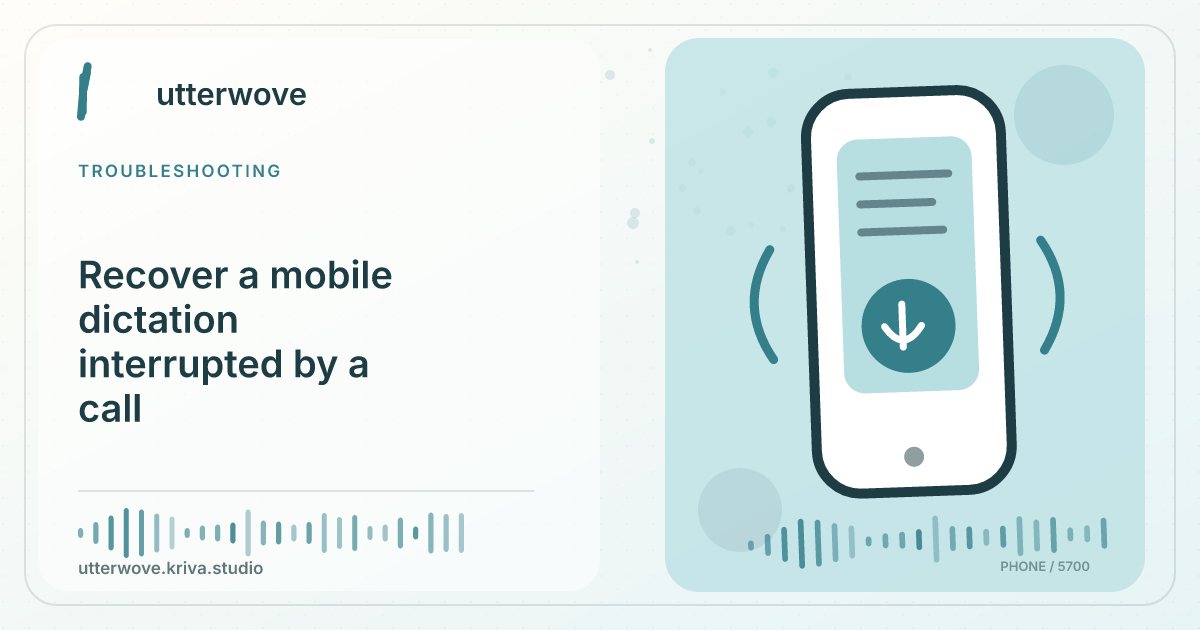
After the interruption, reopen Utterwove and check Capture and History for any saved transcript.
Start with
Test again with a short synthetic recording in the foreground. Verify whether the microphone route changed when the call ended.
Check before you finish
An interruption can change the connected Bluetooth device or the permissions a new session uses. After hanging up, confirm that Capture actually returned to Listening before resuming speech. If you need an uninterrupted long recording, choose a time when calls are less likely.
Evidence to keep: Record the expected sentence, actual result, microphone, language, model and app build before changing settings. This page’s key limit is: After the interruption, reopen Utterwove and check Capture and History for any saved transcript.
Run the smallest test
Test again with a short synthetic recording in the foreground. Verify whether the microphone route changed when the call ended.
Recover or report
If the first recording did not finalize, record the missing part again. Test without interruptions before relying on a long session.
What to watch for
An interruption can change the connected Bluetooth device or the permissions a new session uses. After hanging up, confirm that Capture actually returned to Listening before resuming speech. If you need an uninterrupted long recording, choose a time when calls are less likely.