Utterwove
How to apply this guide
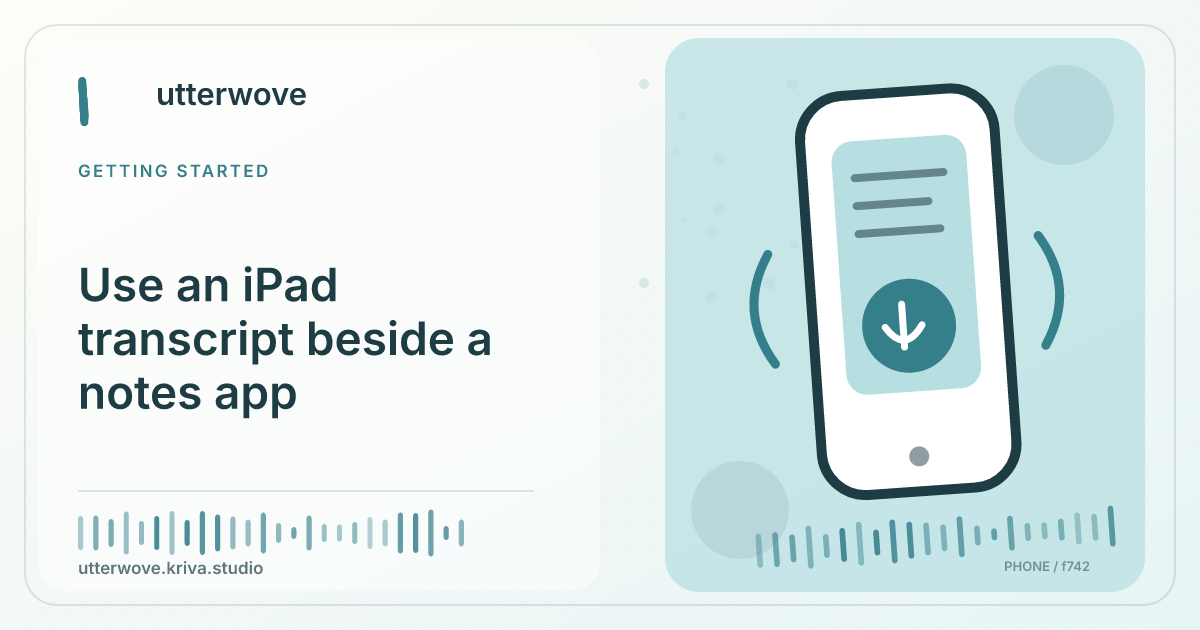
Where your iPad supports side-by-side apps, pair Utterwove with a blank note so the transcript and destination stay visible.
Start with
Record and finish on the Utterwove side, copy the reviewed text, then tap the intended paragraph in Notes and paste.
Check before you finish
If the notes pane has selected text, pasting may replace it instead of adding your paragraph. Tap for an insertion point or move to a new line first. On a narrower layout, confirm that the pasted note belongs to the correct notebook or document.
Evidence to keep: Confirm the app edition, permission and destination together; an allowed permission alone does not prove that insertion will work. This page’s key limit is: Where your iPad supports side-by-side apps, pair Utterwove with a blank note so the transcript and destination stay visible.
Try it
Record and finish on the Utterwove side, copy the reviewed text, then tap the intended paragraph in Notes and paste.
Confirm the result
If the app closes or the audio route changes during capture, repeat with Utterwove full screen. The destination decides how pasted text is styled.
What to watch for
If the notes pane has selected text, pasting may replace it instead of adding your paragraph. Tap for an insertion point or move to a new line first. On a narrower layout, confirm that the pasted note belongs to the correct notebook or document.