Utterwove
How to apply this guide
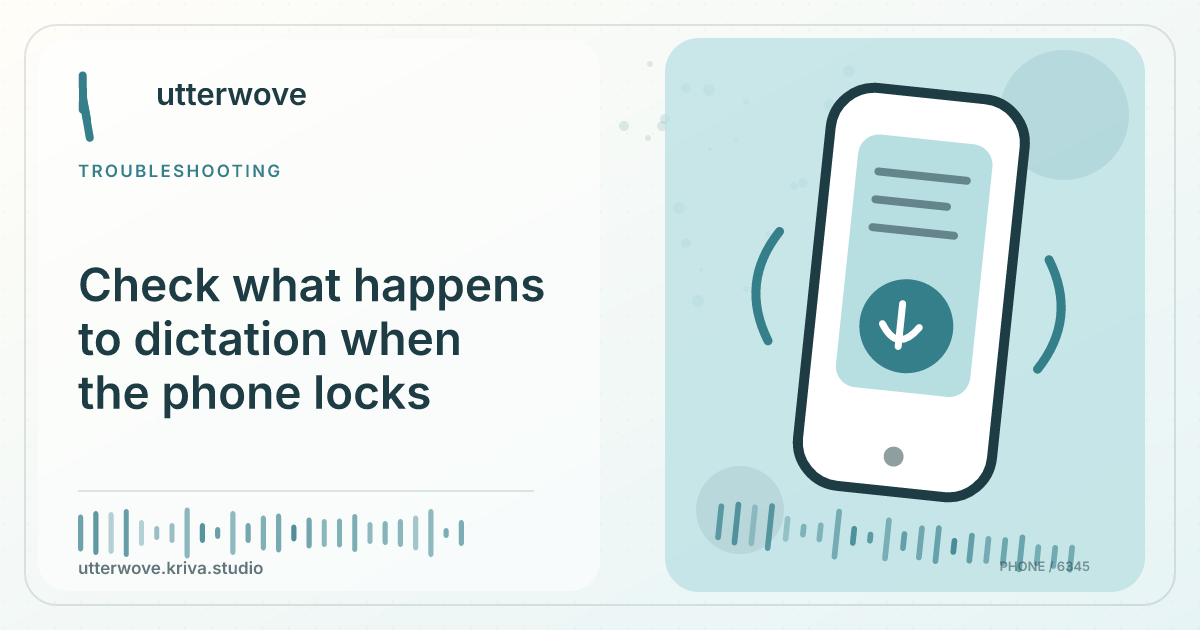
Use a short synthetic clip to test what your device does when the screen locks mid-recording. Keep the normal foreground flow as your baseline.
Start with
Record one sentence before locking and one afterward. Reopen the app and inspect what, if anything, was saved.
Check before you finish
If the screen locks because of inactivity during a long pause, test with your device in a safe place and no real data. Check whether the final words were spoken before or after lock. Separate recording interruption from an incomplete transcript caused by leaving too little time to finish.
Evidence to keep: Record the expected sentence, actual result, microphone, language, model and app build before changing settings. This page’s key limit is: Use a short synthetic clip to test what your device does when the screen locks mid-recording. Keep the normal foreground flow as your baseline.
Run the smallest test
Record one sentence before locking and one afterward. Reopen the app and inspect what, if anything, was saved.
Recover or report
When capture is interrupted, keep the screen on for real drafts and finish before leaving the app. Check History before rerecording.
What to watch for
If the screen locks because of inactivity during a long pause, test with your device in a safe place and no real data. Check whether the final words were spoken before or after lock. Separate recording interruption from an incomplete transcript caused by leaving too little time to finish.